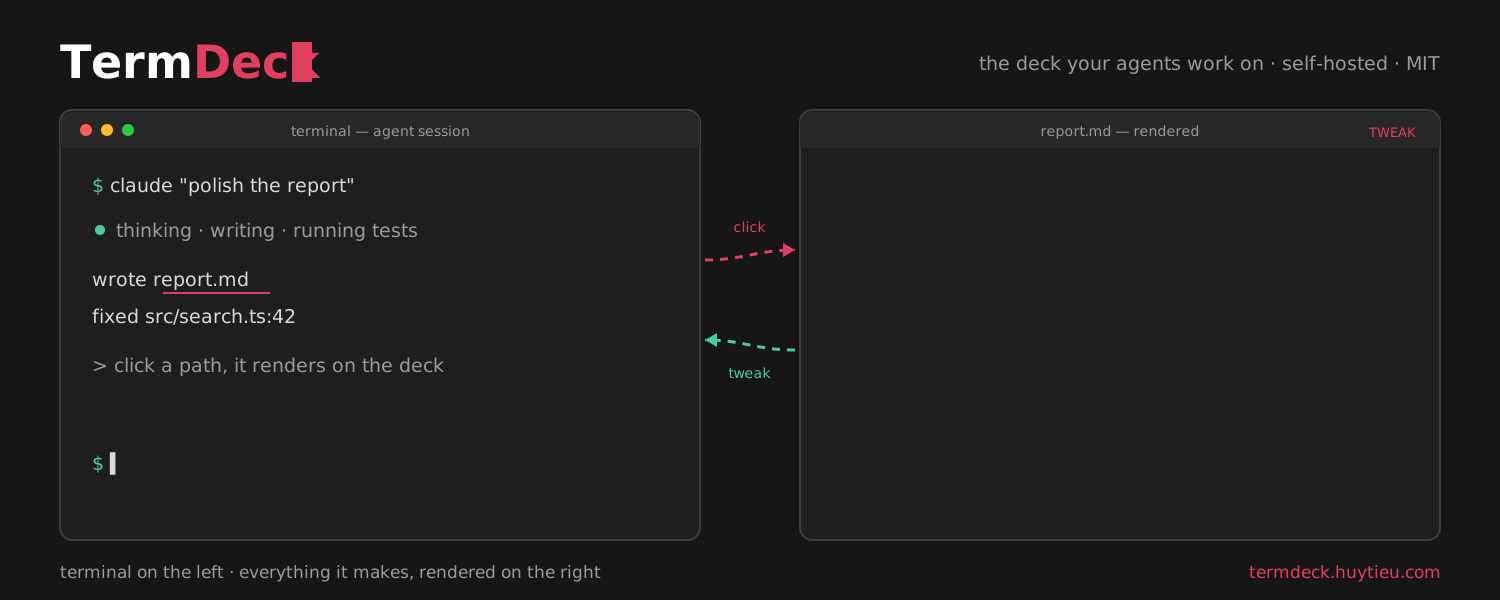
# TermDeck: The Deck My Agents Work On
*I run coding agents in terminals all day, so I built the workspace around them: clickable output, an annotate-to-agent preview, and an offline canvas, in one browser tab.*
> Why I forked localterm into TermDeck: a self-hosted browser workspace for agent-heavy terminal work. Live grid of sessions, clickable file paths, tweak mode that sends CSS selectors back to the agent, a markdown wiki, and a tldraw canvas.
Published: 2026-07-21 · Reading time: 5 min · Tags: ai, terminal, agents, open-source, claude-code
Canonical URL: https://huytieu.com/blog/the-deck-my-agents-work-on/
Author: Huy Tieu (huytieu.com)
---
> **TL;DR** I babysit coding agents in terminals all day, and the terminal never grew up to match that job.
>
> - So I forked [localterm](https://github.com/monotykamary/localterm) into [TermDeck](https://github.com/huytieu/termdeck-localterm): a self-hosted browser workspace built around agent work.
> - Every file path in output is clickable and opens rendered beside the terminal, code jumps to the exact line.
> - Tweak mode turns any rendered HTML into an element picker: click the broken thing, type a note, the agent gets the CSS selector.
> - Plus a live grid of all sessions, a markdown wiki, and (new this week) an offline [tldraw](https://tldraw.dev) canvas that renders pasted mermaid and markdown.
> - Demos and install: [termdeck.huytieu.com](https://termdeck.huytieu.com). MIT, one tab, your files never leave your machine.
I am a product manager. By day I write specs and sit in reviews. By night I vibe code. In both lives I end up in the same place: a terminal with a coding agent running in it.
I wrote before about [moving my whole life into the terminal](/blog/terminal-first-life-with-ai-agents/), and that setup keeps compounding. [Claude Code](https://claude.com/claude-code) writes my prototypes, drafts my docs, runs my test suites. But the terminal itself is still a place where text goes to die. This post is about the workspace I built because I got tired of the same five frictions, every single day.
## The problem, counted in context switches
Watch yourself work with a coding agent for one afternoon and count the hops:
```
agent prints: "wrote report.md, fixed src/search.ts:42"
|
+------- what you actually do -------+
| |
copy path -> cmd-tab -> open editor -> find file
-> read -> cmd-tab back -> reply to agent
x 20 times a day
```
One. I run several agents at once: one coding, one writing a doc, one running tests. Checking on them means cycling windows and guessing which one is blocked on a question I have not seen yet. The expensive part of running agents is not the tokens, it is the babysitting.
Two. Output paths are dead text. Every hop above is small, and together they eat the afternoon.
Three. When an agent ships a web page and I want to say "this card is wrong", explaining UI in prose is a comedy. You describe, it guesses, you describe again.
Four. My work runs through GitHub issues, and every issue link is another trip to the browser.
## What TermDeck is
TermDeck is a browser-native workspace wrapped around a terminal multiplexer. One tab, self-hosted, MIT. It is a fork of [localterm](https://github.com/monotykamary/localterm) by monotykamary, whose foundation carries all of it: sessions that survive closed tabs, reattach from any device over Tailscale, worktrees, a diff viewer, secrets, automations. My fork adds the layer I needed for agent work.
```
+----------------------- one browser tab ------------------------+
| rail sessions detail drawer |
| [term] [agent 1 o] +-----------------+ +--------------+ |
| [wiki] [agent 2 !] | $ terminal | | report.md | |
| [canv] [agent 3 o] | (stays put) | | (rendered) | |
| [agent 4 .] | | | | |
+-----------------------------------------------------------++--+
o running ! needs you . idle click a path ---^
```
**A live grid.** Every session is a tile, streaming live, with a status glyph: running, needs you, idle. Ten agents become one glance. Claude usage quota sits in the header so you know how much runway the fleet has.
**Clickable output.** Every file path any program prints becomes a link. Markdown renders with real typography. Code opens highlighted at the exact line. CSV becomes a table, HTML becomes the actual page. The file opens in a drawer beside the terminal, so the session never leaves your sight. It works for pytest and git as much as for Claude, because the terminal does the linkifying, not the agent.
**Tweak mode.** The one I use most. Render the agent's HTML in the drawer, toggle Tweak, and the page becomes an element picker:
```
[ rendered page ] [ agent's terminal ]
+--------------+
| +--------+ | click TWEAK #1
| | button |<-+-- note: selector: #cta > .btn
| +--------+ | "less snippet: